Premium accessories for iPhone 18. Shop now

Charging
How to Maximize Your iPhone 17 Battery Life: Charging & Settings Tips
The charging habits, iOS 26 settings and accessories that keep an iPhone 17 or iPhone Air battery healthy, and what the iPhone 18 changed.
Apple rates the iPhone 17 at 30 hours of video playback and the 17 Pro Max at 39. How long the battery stays that good depends on how you charge it and what you leave switched on. Here is what to change, in order.

About the brand

Belkin has made phone and laptop accessories since 1983: chargers, power banks, docks and screen protection. Every product is tested in our own labs and backed by a warranty and real support.
Shop BelkinGet 15% off
New gear, plain answers, and the occasional deal. Blog alerts, product announcements and exclusive offers by email and text.
Sign upEmails and texts. Unsubscribe anytime.
Key takeaways
- Keep the battery between about 25% and 85% on ordinary days. On an iPhone 15 or later, the Charge Limit setting holds it at 80% for you.
- Heat ages a battery faster than anything else. Take a thick case off for a fast charge and keep the phone out of the sun. Apple's comfort zone is 16° to 22°C (62° to 72°F).
- Leave Optimized Battery Charging on and, on iOS 26, Adaptive Power. Adaptive Power is on by default on every iPhone 17 model, the iPhone Air, the iPhone 18 Pro and Pro Max and the iPhone Duo.
- Fast charging at 40W does not hurt the battery. A USB-IF certified charger and a USB-C cable rated 60W (3A) are the safe pairing.
- The iPhone 18 Pro, 18 Pro Max and iPhone Duo use the same settings. Apple's video playback figure rises to 45 hours on the 18 Pro Max, and its fastest charge needs a 60W adapter with AVS.
The iPhone 17, 17 Pro and 17 Pro Max charge at up to 40W over USB-C and 25W on Qi2 wireless, and the iPhone Air at 20W. With faster charging come new questions about battery health. This guide covers the charging habits, the settings and the accessories that help an iPhone 17 battery last longer and perform better over time.
Own an iPhone 18 Pro, 18 Pro Max or iPhone Duo? Every setting and habit here applies to them too. Apple's new battery and charging figures are in What the iPhone 18 Changed.
Understanding Battery Health
The battery in your iPhone is a lithium-ion battery, known for its efficiency. From laptops and phones to hybrids and electric cars, lithium-ion batteries power plenty of everyday essentials. Compared with older battery types, they charge faster and pack more energy into a small package. Here is what wears them out, and what you can do about it.
- Charge cycles: when you use your iPhone, its battery goes through charge cycles. A single cycle is completed when you have used an amount that represents 100% of your battery's capacity. Apple designs the iPhone 15 and later to keep 80% of its original capacity at 1,000 complete cycles, double the 500 of the iPhone 14 and earlier. The count is in Settings > Battery > Battery Health.
- Heat: excessive heat makes a battery degrade faster. Leaving the phone in direct sun, or using it hard while it charges, generates more heat. You will know the phone is overheating when you get a temperature warning, apps stall or crash, or the phone shuts down. Apple's comfort zone is 16° to 22°C (62° to 72°F). Above 35°C (95°F) the phone slows or stops charging to protect itself.
- Charging habits: frequently letting the battery drop to 0% or always charging it to 100% shortens its life. Lithium-ion batteries last longest when kept between about 25% and 85%. Charge whenever it is convenient rather than waiting for the phone to die, and let the Charge Limit setting hold the top end for you.
iPhone Battery Settings Tips
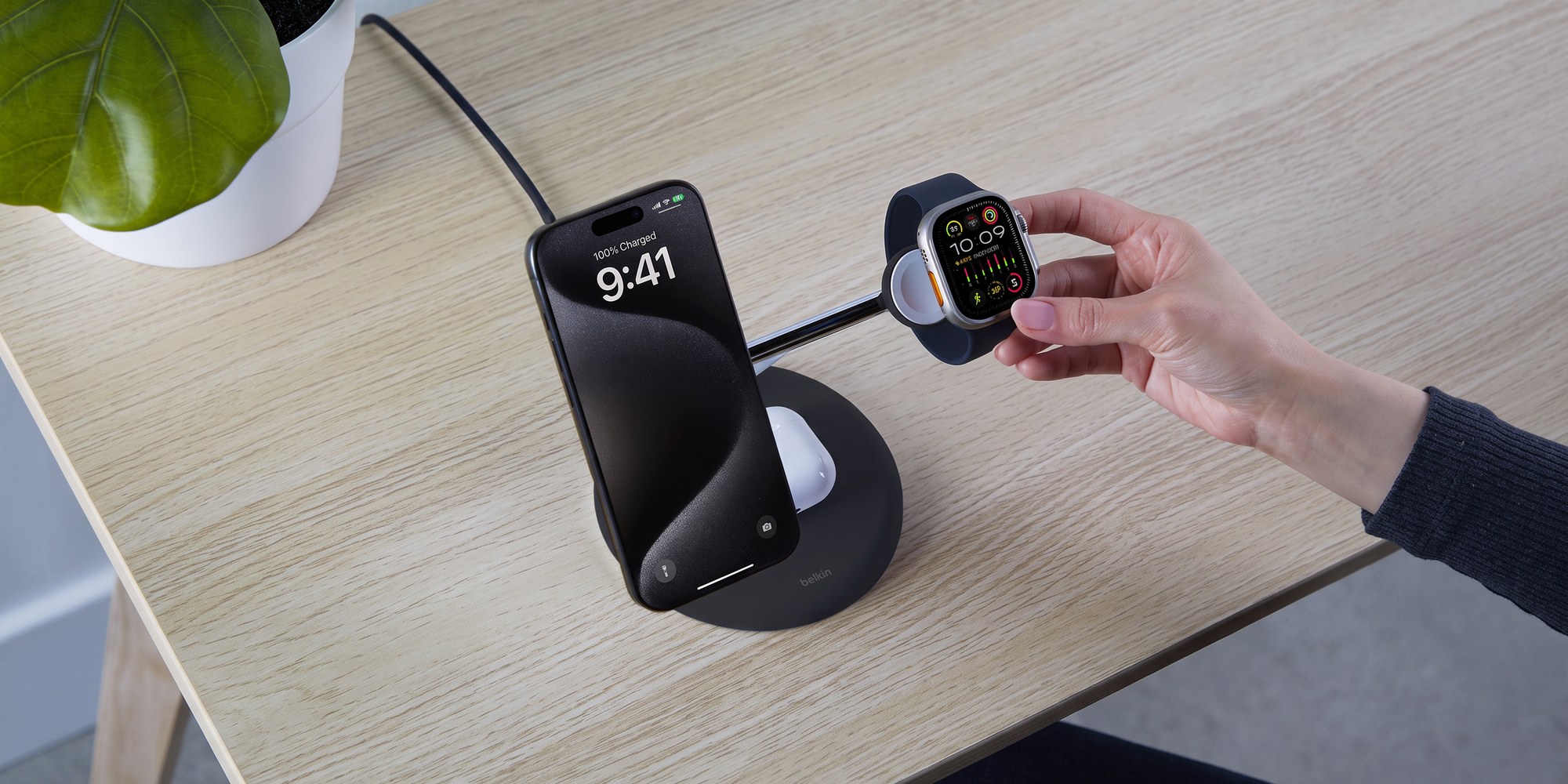
There are plenty of ways to stretch the battery from the Settings app alone. Eight changes that help, each with its path in iOS 26:
- Reduce screen brightness: lowering the brightness or turning on Auto-Brightness saves a lot of battery. Go to Settings > Display & Brightness, and Settings > Accessibility > Display & Text Size for Auto-Brightness.
- Turn off Background App Refresh: switch it off for apps that do not need to update in the background. Go to Settings > General > Background App Refresh.
- Limit Location Services: only allow location access to apps when necessary. Go to Settings > Privacy & Security > Location Services.
- Disable push email: set your email to fetch manually or less often. Go to Settings > Apps > Mail > Mail Accounts > Fetch New Data.
- Turn off unnecessary notifications: fewer notifications means fewer wake-ups of the screen. Go to Settings > Notifications.
- Use Dark Mode: a dark background on an OLED screen draws less power than a white one. Go to Settings > Display & Brightness.
- Limit navigation apps: navigation apps like Waze keep using GPS after you have arrived. Go to Settings > Apps, pick the app, then Location.
- Leave Adaptive Power on: new in iOS 26, it predicts heavy-use days from your recent pattern and trims brightness and background activity a little, then turns on Low Power Mode at 20%. It is on by default on every iPhone 17 model, the iPhone Air, the iPhone 18 Pro and Pro Max and the iPhone Duo. Go toSettings > Battery > Power Mode.
Top 5 iPhone Charging Best Practices
Even with the right gear, the way you charge your phone decides how the battery ages. Five habits, and the two settings that do most of the work for you:
1. Avoid overcharging, or set a Charge Limit.
- Time spent sitting at 100% wears the cells, and charging generates heat. Modern iPhones stop drawing power when full, but unplugging at about 80% is still the better habit.
- On the iPhone 15 and later, iOS does it for you: Settings > Battery > Charging > Charge Limit stops the charge at any point from 80% to 100% in 5% steps. 80% suits a phone that is near a charger most of the day. Raise it the night before a long day out.
2. Leave Optimized Battery Charging on.
- The iPhone 17 ships with Optimized Battery Charging, which learns your daily charging routine. It waits to finish charging past 80% until you are about to need the phone. Same screen: Settings > Battery > Charging.
- It needs at least 14 days to learn your pattern before it engages. While it holds the charge, the Lock Screen says when the phone will be full.
3. Update iOS.
- Keep the phone on the current software. Updates fix the glitches and slowdowns that make a battery work overtime. iOS 26 is also where Adaptive Power and the Daily Usage chart in Settings > Battery live.
4. Optimize settings.
- Adjust the screen's brightness whenever you can, or let Auto-Brightness follow the room. Default to Wi-Fi when it is available, which uses less power than cellular data.
5. Use Low Power Mode.
- Low Power Mode trims performance, stops some apps downloading in the background and turns off a few effects. Calls, email, messages and the web keep working. iOS offers it at 20% and again at 10%, and Adaptive Power turns it on at 20% by itself. It switches off once the phone charges past 80%.
Types of iPhone Chargers: Wired vs. Wireless Charging
You might wonder whether wired charging is better than wireless charging. Neither is better in every case, and knowing the differences makes the choice easy. Four things to weigh:
- Charging speed: wired is still faster. On the iPhone 17, 17 Pro and 17 Pro Max, USB-C wired charging reaches 40W, while Qi2 25W wireless tops out at 25W. The iPhone Air gets 20W both ways. The gap has narrowed thanks to the magnetic alignment that MagSafe and Qi2 share, but a cable is still the quicker top-up.
- Battery health: a wireless pad runs warmer than a cable because some energy is lost as heat between the coils. That is not harmful on its own. Keep thick cases off the pad, and pick a charger with cooling built in if the phone spends hours on it.
- Convenience: wireless means less cable clutter at the desk and the bedside, and a magnetic power bank snaps on for the commute with no cable at all.
- Cost: wired charging is the most affordable route, usually $20 to $40 for the charger, with wireless chargers ranging from $20 to $150.
- Quality cable: the cable matters as much as the charger. A USB-IF certified cable keeps the power transfer efficient and the risk of shorts or overheating low. For the iPhone 15 and later, including the iPhone 17 and iPhone Air, you need a USB-C to USB-C cable. Our USB-C cable guide explains what the ratings mean.
More to Consider When Choosing an iPhone Charger
The charger you use also affects battery life. Two things to check before you buy:
1. USB-IF certification.
- USB-IF (the USB Implementers Forum) sets the standards USB products are tested against, so a certified charger meets them for compatibility and performance.
- Uncertified chargers do not always regulate voltage well, which makes heat as the iPhone compensates. Poor chargers can also emit electrical noise that interferes with the phone's cellular and radio functions, and suppressing it makes more heat.
2. Wattage and Power Delivery.
- The iPhone 17 family supports USB Power Delivery (PD) fast charging, with a different ceiling per model.
- iPhone 17, 17 Pro, 17 Pro Max: up to 40W with a 40W or higher PD charger, which is 50% in about 20 minutes.
- iPhone Air: up to 20W. A bigger charger does not raise it.
- iPhone 15 and 16: reported peaks of about 27W to 30W.
For the fastest charge on the iPhone 17, 17 Pro and 17 Pro Max, use a USB-C Power Delivery charger rated 40W or higher. Pair it with a USB-C to USB-C cable rated for at least 60W (3A). Higher-wattage chargers (65W and up) are safe. PD ensures the iPhone only draws what it needs. Belkin's fast charging explainer covers how the negotiation works.
What the iPhone 18 Changed
Apple introduced the iPhone 18 Pro, iPhone 18 Pro Max and the folding iPhone Duo on September 9, 2026. For the battery, nothing on this page changes: the same Charge Limit, Optimized Battery Charging, Adaptive Power and Low Power Mode settings, the same heat and cycle rules. What changed is the figures.
Apple now publishes a "typical use" number alongside video playback. The 18 Pro Max is rated at 45 hours of video and 30 hours of typical use, the 18 Pro at 36 and 24. The Duo is rated at 44 hours of video on its outer display, 31 on the inner one, and 24 hours of typical use.
Charging moved too. Apple rates the 18 Pro and 18 Pro Max at 50% in around 15 minutes on a 60W-capable adapter with Adjustable Voltage Supply, or AVS. The Duo reaches 50% in around 20 minutes on a 60W adapter. Wireless stays at 25W on MagSafe and Qi2. A 40W or 45W charger bought for an iPhone 17 still fast charges all three. Only Apple's 15-minute figure needs the bigger adapter, and that adapter has to support AVS.
Swipe the table sideways to see every column.
| Model | Video playback | Typical use | 50% charge, wired |
|---|---|---|---|
| iPhone 17 | 30 hours | Not published | 20 minutes, 40W adapter or higher |
| iPhone 17 Pro | 33 hours | Not published | 20 minutes, 40W adapter or higher |
| iPhone 17 Pro Max | 39 hours | Not published | 20 minutes, 40W adapter or higher |
| iPhone Air | 27 hours | Not published | 30 minutes, 20W adapter or higher |
| iPhone 18 Pro | 36 hours | 24 hours | Around 15 minutes, 60W-capable adapter with AVS |
| iPhone 18 Pro Max | 45 hours | 30 hours | Around 15 minutes, 60W-capable adapter with AVS |
| iPhone Duo | 44 hours outer, 31 inner | 24 hours | Around 20 minutes, 60W-capable adapter or higher |
Apple's figures, from the specifications pages for each model, September 2026. The iPhone 17 Pro and Pro Max video figures are Apple's launch specifications, which its site no longer lists. Every model reaches 50% in 30 minutes on a MagSafe Charger behind a 30W adapter (iPhone 17, Air) or 35W adapter (iPhone 18 Pro, Pro Max, Duo).
Adaptive Power is on by default on the iPhone 18 Pro, 18 Pro Max and iPhone Duo too, as Apple's support page now lists. If it is off, turn it on in Settings > Battery > Power Mode. OuriPhone 18 charger guide covers the AVS question, and the iPhone 18 accessories page lists what fits.
iPhone 17 Charging Accessories
Taking care of the battery extends its life and keeps the phone quick. Four picks that follow the advice above, one for each job.
How we picked: the wall charger clears the iPhone 17's 40W ceiling. The wireless charger is Qi2 certified at the 25W ceiling with cooling built in. The power bank is for topping up before the battery runs low, and the cable is rated far above what any iPhone draws. Prices and ratings update from the store.
For 40W at the wall
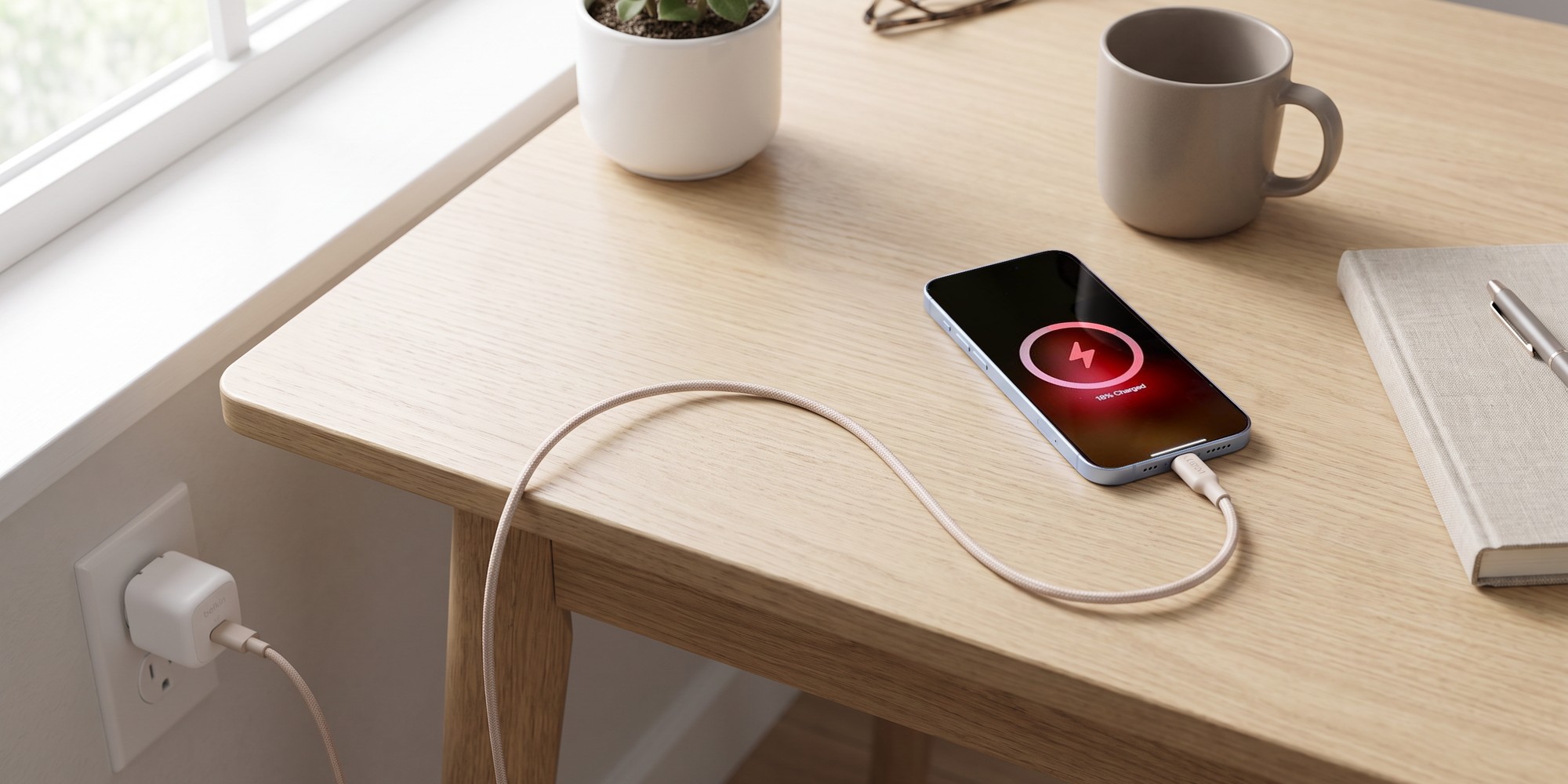
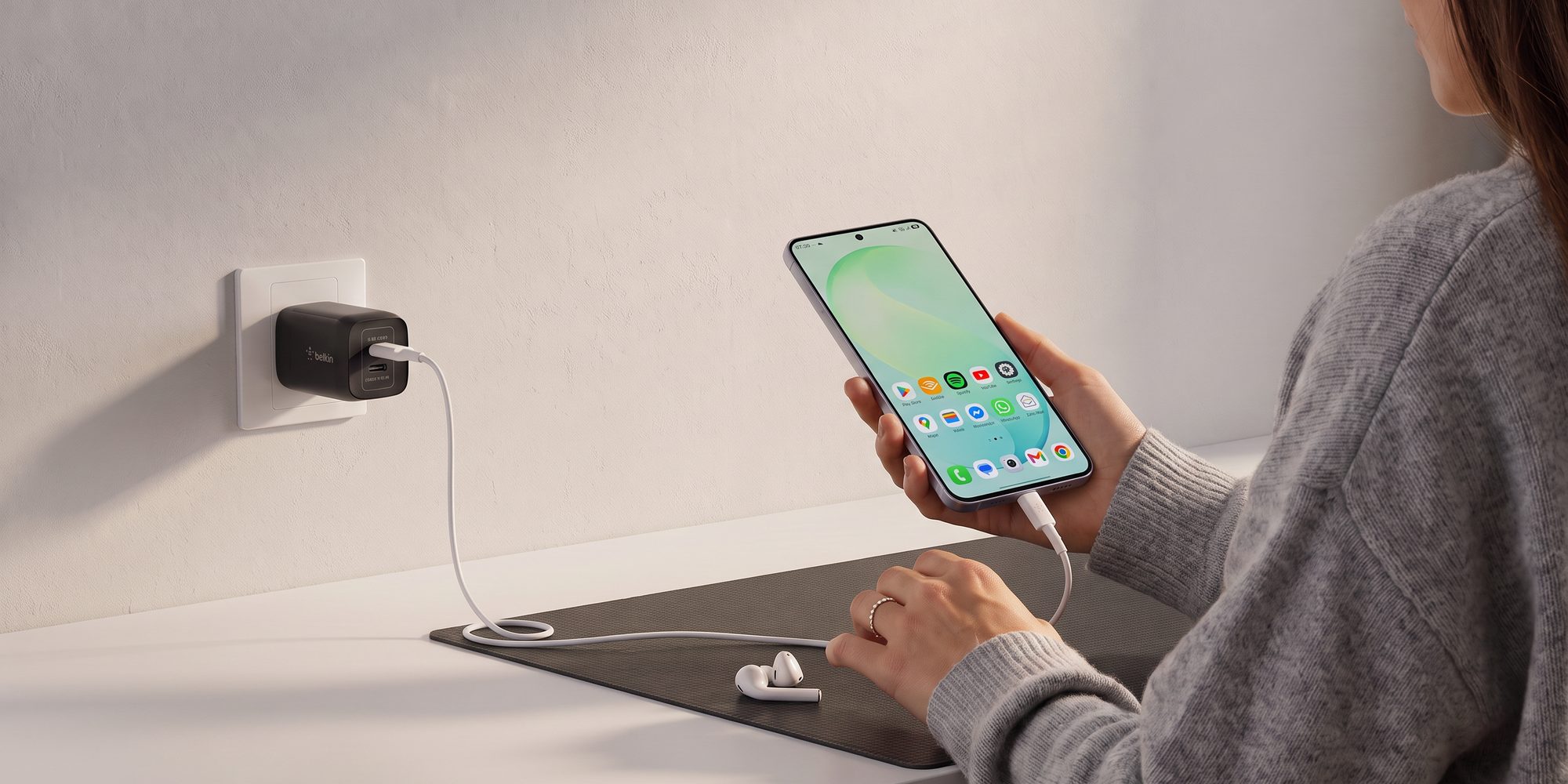
Compact USB-C Wall Charger 45W + USB-C Cable
- 45W
- 60W cable in the box
- Foldable prongs
- Clears the iPhone 17's 40W
- USB-C PD 3.1 certified
- Made with recycled plastic
Wireless at 25W, with cooling
- Qi2 25W
- Kickstand
- No adapter in the box
- The iPhone 17's full wireless speed
- ChillBoost passive cooling
- Made with 85% recycled materials
Top up before it runs low
Slim Magnetic Power Bank 5K with Qi2
- 5,000mAh
- Qi2 15W wireless
- 20W USB-C
- Snaps on, no cable needed
- Built-in kickstand
- Charges by cable or Qi2
The cable
USB-C to USB-C Braided Cable 240W, 9.8ft/3m, White
- 240W
- 9.8 ft
- Braided
- Carries more than any iPhone draws
- Charges a laptop with the same cable
- USB-C to USB-C, both ends
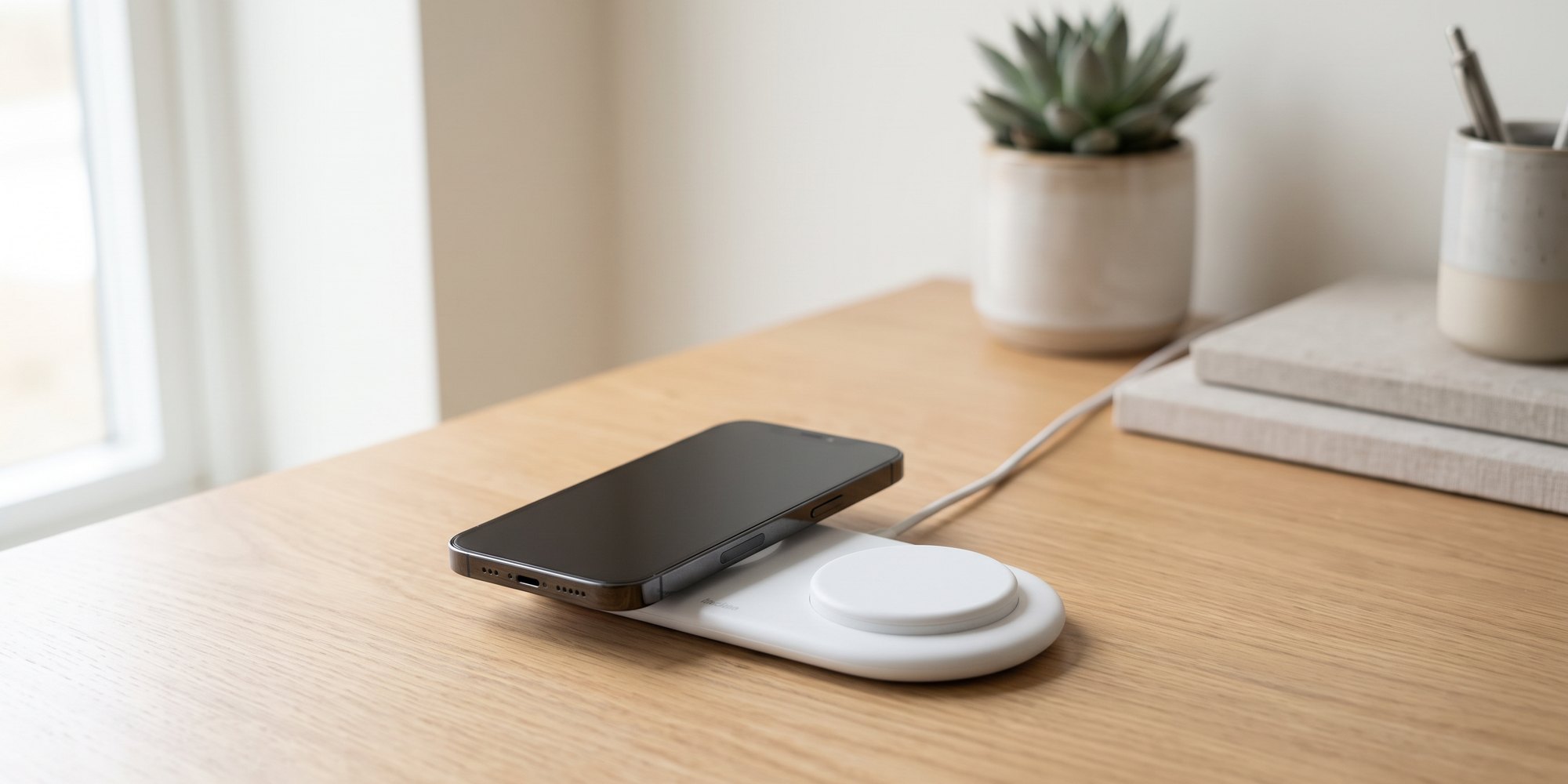
The magnetic charger is sold without a wall adapter. Behind the 45W charger above it reaches its full 25W, so the two make one desk or bedside setup for the price of a dinner.
Why trust Belkin
Belkin has built charging accessories since 1983 and is a certified Qi2 and MagSafe partner. Our chargers go through 25 or more quality tests and carry 10 or more global certifications before they ship, and every one is backed by a 2-year warranty. The advice on this page is Apple's own guidance, linked where it is stated.
How to Save iPhone 17 Battery: Your Questions Answered
Is it okay to charge my iPhone 17 overnight?
Yes, it is safe to charge your iPhone 17 overnight. Make sure Optimized Battery Charging is on in Settings > Battery > Charging. It learns your daily routine and waits to finish charging past 80% until you need the phone, which reduces wear on the battery over time. Setting a Charge Limit of 80% on the same screen does the same thing every night.
Does 40W fast charging damage the iPhone 17 battery?
No. The iPhone 17, 17 Pro and 17 Pro Max are designed to handle USB Power Delivery fast charging at 40W safely. Built-in thermal management and a charging curve protect long-term battery health. The iPhone Air handles its 20W ceiling the same way.
How can I extend the battery life of my iPhone 17?
Use USB-IF certified chargers and cables, or a Qi2 certified wireless charger, and avoid extreme temperatures. Leave Optimized Battery Charging and Adaptive Power on. Keep the battery between about 25% and 85% rather than letting it drain to 0% or sit at 100% for long stretches.
How long does the iPhone 17 battery last?
Apple rates the iPhone 17 Pro Max at 39 hours of video playback and the iPhone 17 Pro at 33. The iPhone 17 is rated at 30 hours and the iPhone Air at 27. The iPhone 18 Pro Max raised the figure to 45 hours. Everything Belkin makes for the four iPhone 17 models is on the iPhone 17 accessories page.
Does it matter what charger I use for my iPhone 17?
Yes. The charger affects both charging speed and long-term battery health. For the iPhone 17, 17 Pro and 17 Pro Max, a 40W or higher USB PD charger gives you the full 40W. For the iPhone Air, anything 20W or higher gives you full speed. Look for USB-IF certified chargers and a USB-C to USB-C cable rated for at least 60W (3A).
Does the iPhone 17 use USB-C?
Yes. The iPhone 15, iPhone 16, iPhone 17, iPhone Air and every iPhone 18 use USB-C. The iPhone 14 and earlier still use Lightning.
How do you improve iPhone battery health?
Use USB-IF certified chargers and cables and leave Optimized Battery Charging on. Keep the phone within Apple's comfort zone (16° to 22°C, 62° to 72°F). Keep the battery between about 25% and 85% in daily use rather than running it to 0% or sitting at 100% for hours. For travel, where heat and unreliable outlets are common, a TSA-approved power bank is a useful safety net.
Is it bad to charge your iPhone with a different charger?
No. Any USB-IF certified USB-C charger is safe to use with the iPhone 17. USB Power Delivery negotiates voltage and current with the phone, so even a 100W laptop charger only delivers what the iPhone is designed to draw.
Is the iPhone 17 battery better than the iPhone 16?
Yes, on every model. Apple rates the iPhone 17 Pro Max at 39 hours of video playback against 33 for the 16 Pro Max. The 17 Pro gets 33 hours against 27 for the 16 Pro, and the iPhone 17 30 hours against 22 for the iPhone 16. The iPhone Air's 27 hours has no direct iPhone 16 equivalent. The iPhone 17 also charges faster, 40W wired against about 30W and 25W on Qi2 against the iPhone 16's 25W MagSafe and 15W Qi2. Both generations support Optimized Battery Charging and Charge Limit, so the care advice in this guide applies to either.
How many charge cycles does the iPhone 17 battery last?
Apple designs the iPhone 15 and later, which includes every iPhone 17 model, to keep 80% of its original capacity at 1,000 complete charge cycles. One cycle is 100% of the capacity used, in any number of partial charges, so a phone charged from 50% twice has used one cycle. The count is in Settings > Battery > Battery Health.
What is the best charge limit for the iPhone 17?
80% if the phone is near a charger for most of the day, which is the lowest setting Charge Limit allows. Lithium-ion cells age fastest at a full charge, so the less time spent at 100% the better. On a travel day or a long day out, raise it to 100% the night before and set it back afterward.
How do I check battery health on the iPhone 17?
Go to Settings > Battery > Battery Health. Maximum Capacity shows the battery's current capacity relative to when it was new, and the screen shows the cycle count and manufacture date. Apple considers the battery healthy down to 80% capacity, and a 100% reading in the first year is normal.
Shop iPhone 17 Charging Accessories
Chargers, a power bank and cables that follow the advice on this page.
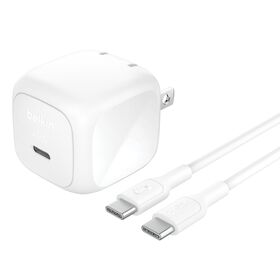
Wall charger
Compact USB-C Wall Charger 45W + USB-C Cable
$39.99Shop
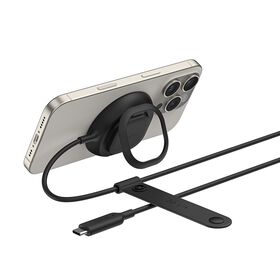
Wireless charger
Magnetic Charger with Qi2 25W
$29.99Shop
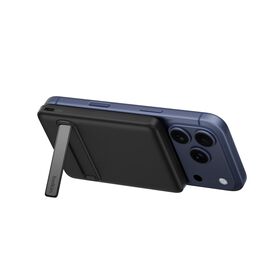
Power bank
Slim Magnetic Power Bank 5K with Qi2
$54.99Shop

Cable
USB-C to USB-C Braided Cable 240W, 9.8ft/3m, White
$25.99Shop
Cable
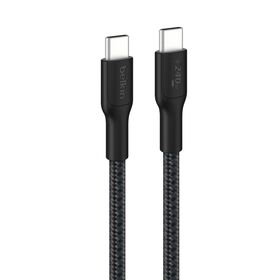
USB-C to USB-C Braided Cable 240W, 9.8ft/3m, Black
$24.99Shop
Wall charger
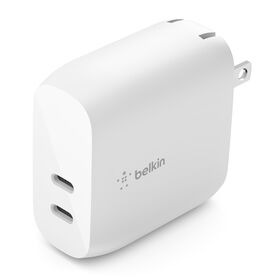
Dual USB-C PD Wall Charger 40W
$23.99Shop
Wall charger
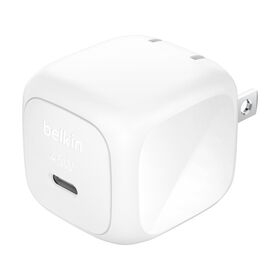
Compact USB-C Wall Charger 45W
$19.99Coming soon
Cable
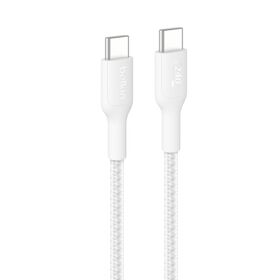
USB-C to USB-C Braided Cable 240W, 3.3ft/1m, White
$14.99Coming soon