
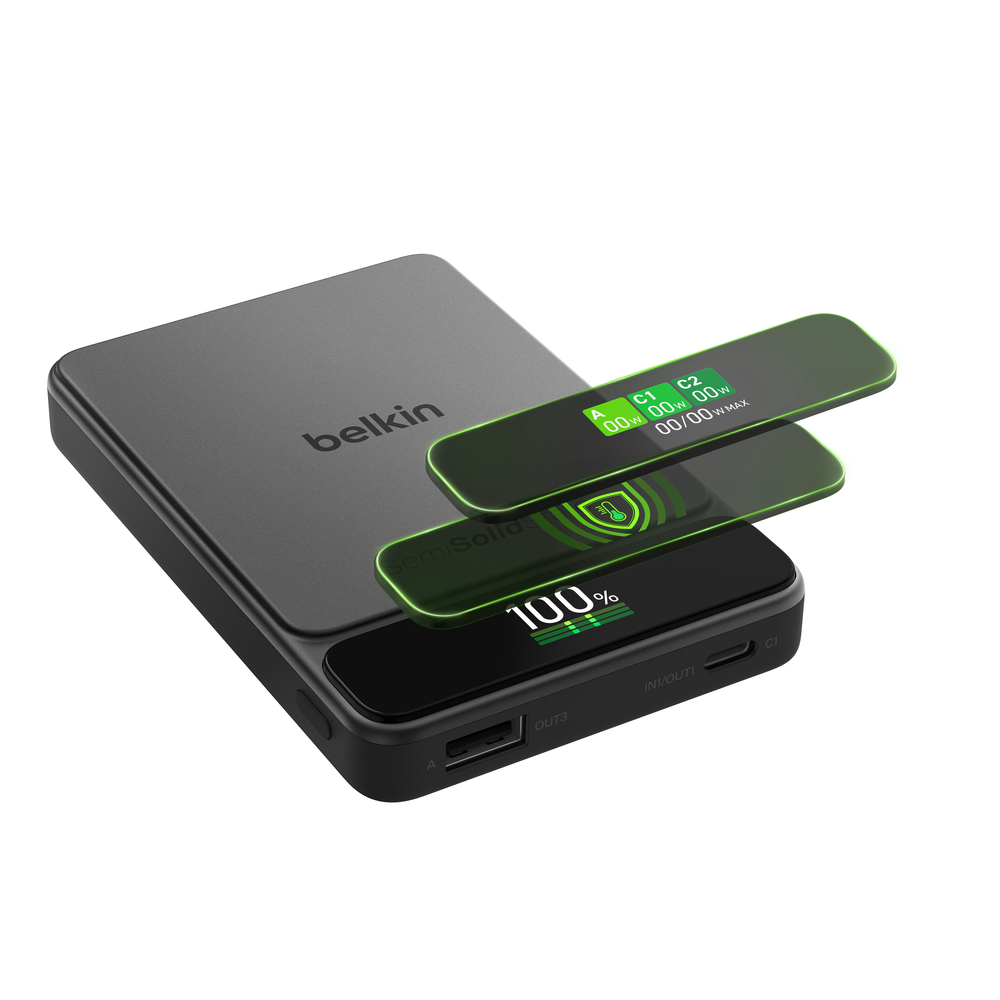
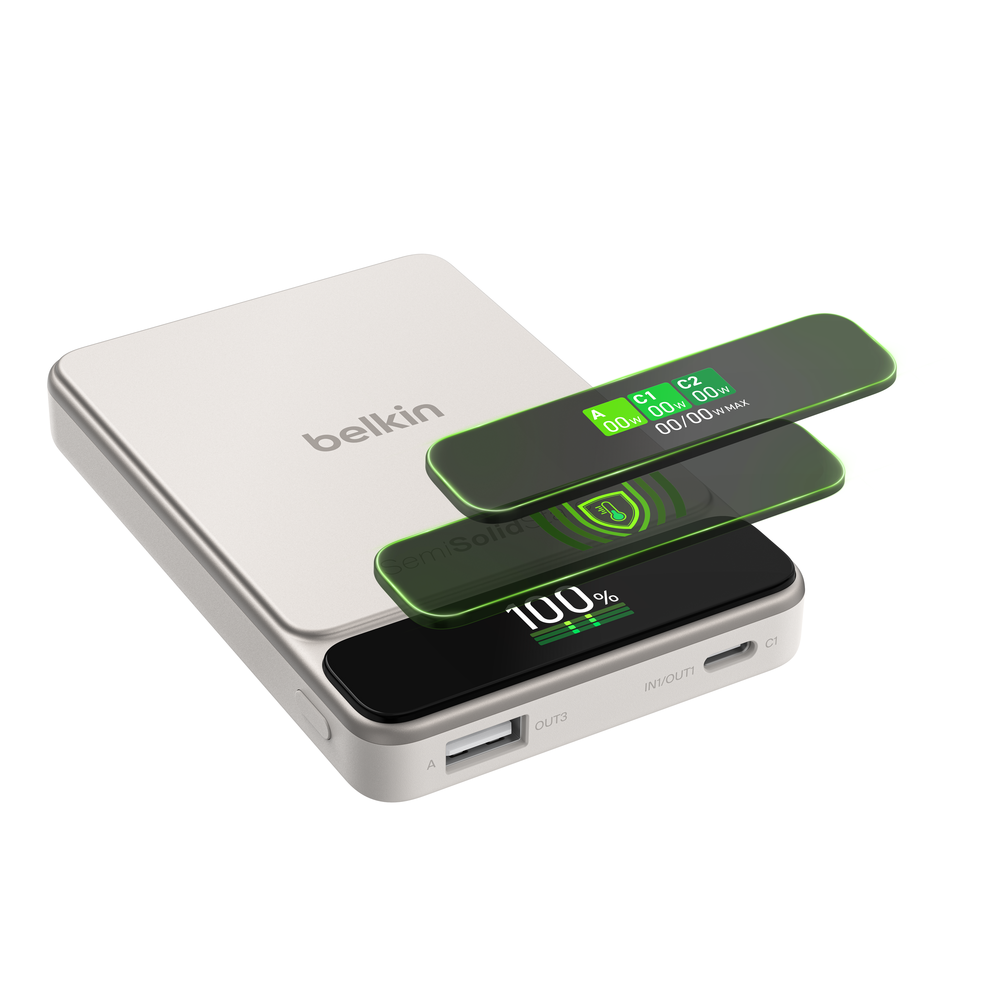
Button Guide

Tap once to scroll to the next page.

Tap twice to scroll to the next page.

Press and hold the key for 2 seconds to turn off the screen (The screen will turn off automatically after 30 seconds of idle status with no operation, charging or discharging.)
Screen Order

Screen Guide
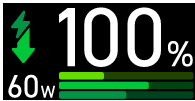

Main Screen
Displays total charging watts and active system protection
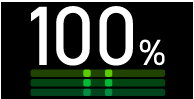
No device connected
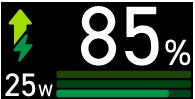
Power bank is charging
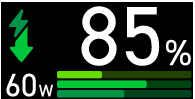
Power bank is discharging
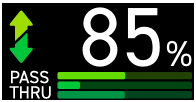
Pass-through mode active
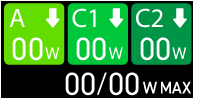

Wattage Screen
Displays individual port charging watts and available capacity
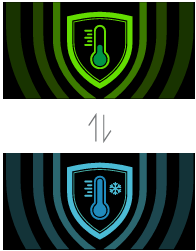

Temperature Screen
Temperature is good: You’re getting the fastest possible charging speed
Cooling mode on: Charging speed is slowed down a little to keep things from overheating
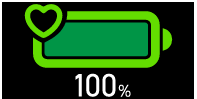

Battery Health
Shows the overall condition of your power bank battery
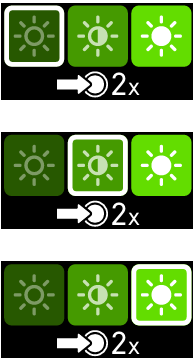

Brightness Adjustment
Adjust screen brightness for different environments
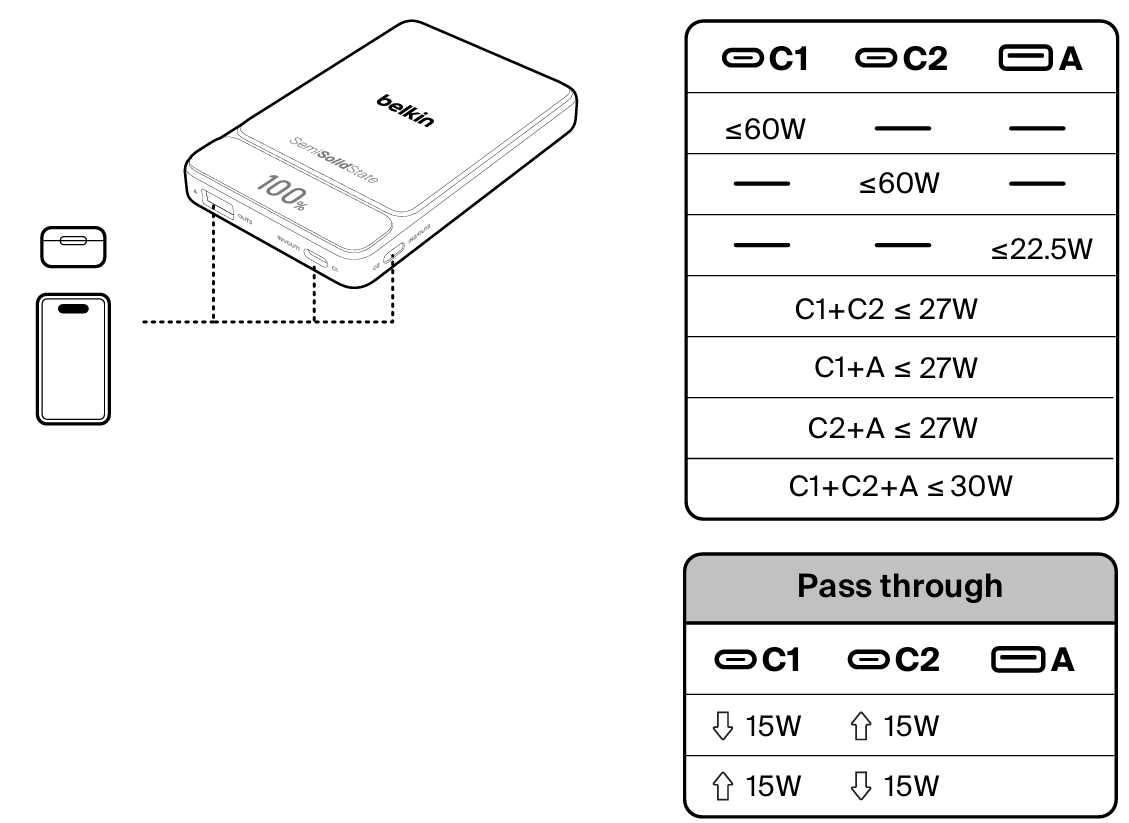
Power Input
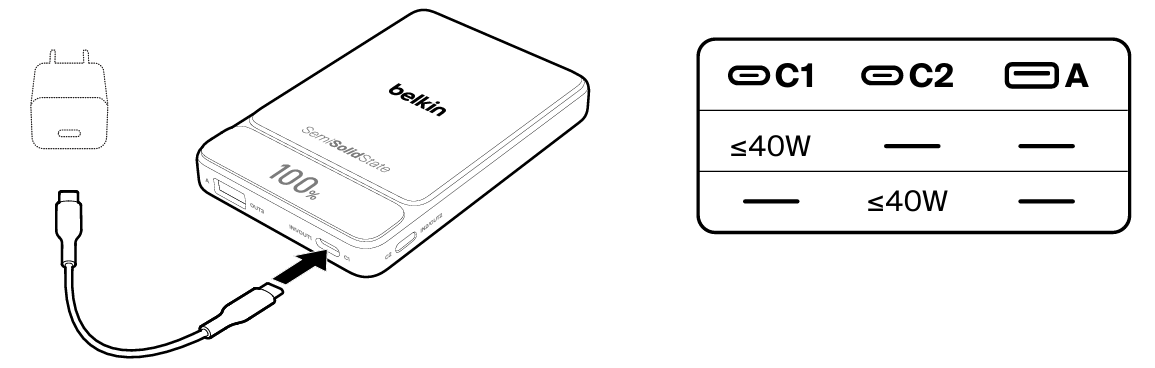
Power Output
Download Belkin Power Center
Get the Belkin Power Center application for your computer. Select your operating system below to begin the download.
Choose the version that matches your computer's operating system.


