Premium accessories for iPhone 18. Shop now


Nintendo Switch 2
Screen Protectors
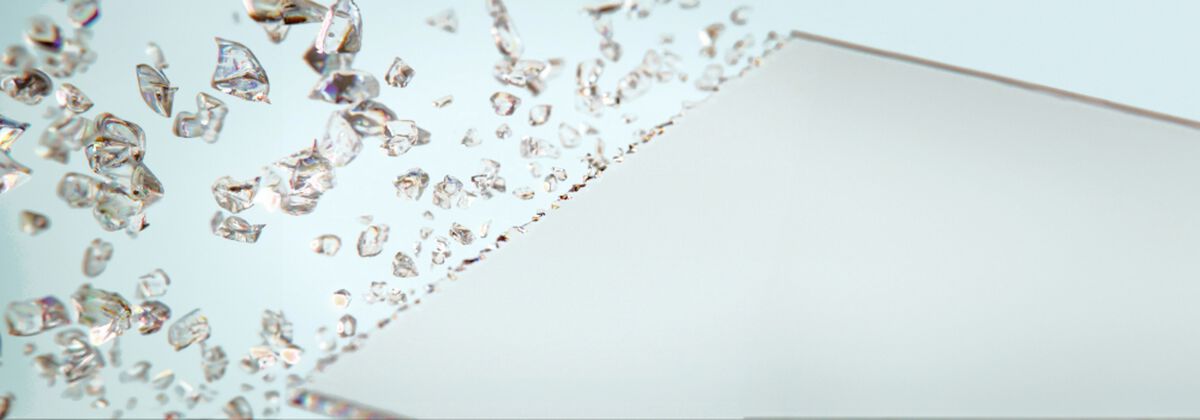
Best Nintendo Switch 2 screen protectors. Safeguard your screen no matter where you play, with tempered glass built for the Switch 2: anti-reflective and blue light filter options, anti-scratch and touch responsive. Free standard shipping and 24/7 customer support.
- Featured
- Newest
- Best Seller
- Top Rated
- Price: Low to High
- Price: High to Low
https://www.belkin.com/products/screen-protectors/screen-protectors-for-nintendo-switch-2/?start=0&sz=12


Complete Your Nintendo Switch 2 Setup
You have the screen covered. Round out your Nintendo Switch 2 with charging, protection, and travel gear, all designed and sized specifically for the console.
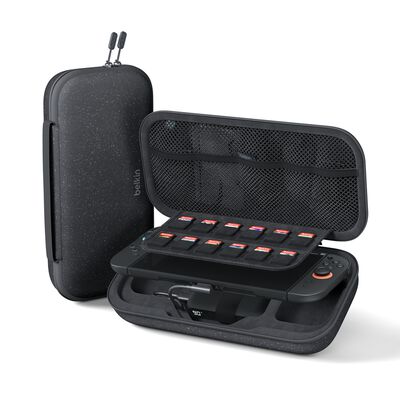
Case · 10K Battery
Charging Case for Nintendo Switch 2
Protective case with a built-in 10K battery, drop and scratch protection, and game card storage.
Shop now ›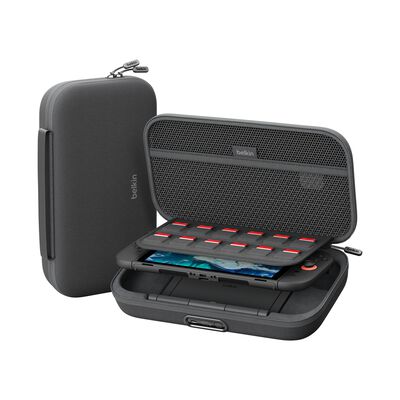
Case · Premium
Charging Case Pro for Nintendo Switch 2
The premium charging case in the Switch 2 lineup. [VERIFY: confirm the Pro spec delta with merch before filling this copy.]
Shop now ›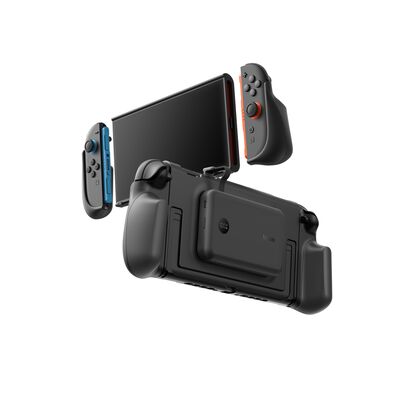
Grip · Magnetic 30W
Charging Grip for Nintendo Switch 2
Non-slip grip with a magnetic 30W power bank, a kickstand, and a digital battery display.
Shop now ›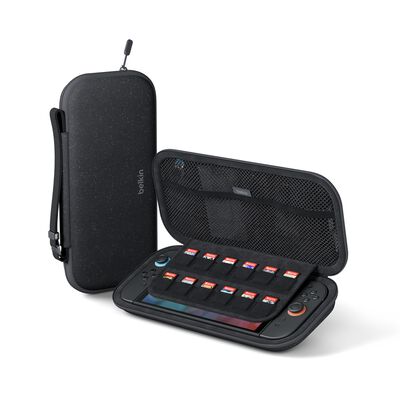
Travel · Hard Shell
Travel Case for Nintendo Switch 2
Fitted hard-shell case that protects the Switch 2 in a bag, sized to the console.
Shop now ›Switch 2 Screen Protectors: Anti-Reflective vs Blue Light Filter
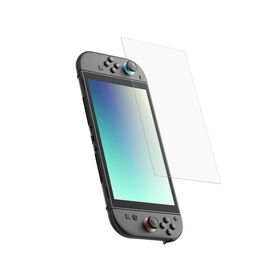
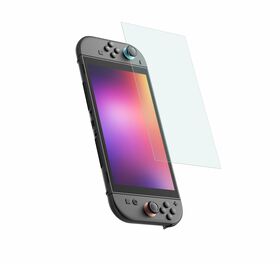
Both are tempered glass with the same protection and easy install. The difference is the optical layer. Use this table to choose.
| Feature | Anti-Reflective | Blue Light Filter |
|---|---|---|
| Material | Tempered glass | Tempered glass |
| Optical layer | Reduces glare and reflections | Filters blue light from the screen |
| Anti-scratch / anti-fingerprint | Yes | Yes |
| Touch responsive | Yes | Yes |
| Best for | Bright rooms, outdoors, glare | Long or late-night sessions, eye comfort |
Nintendo Switch 2 Screen Protector FAQ
Yes, it is worth adding one. The Switch 2 has a larger glass touchscreen that stays exposed during handheld play and when the console slides in and out of a bag or dock, so it is open to scratches from game cards, keys, and tables. A tempered-glass protector takes those scratches instead of the screen, and Belkin's are anti-fingerprint and touch responsive, so the display still feels and looks like the original glass.
Both are tempered glass with the same anti-scratch, anti-fingerprint, and easy-install features; the difference is the optical layer. The anti-reflective protector cuts glare, which helps when you play near windows, outdoors, or under bright lights. The blue light filter reduces blue light from the screen, which many players prefer for long or late-night sessions. Pick anti-reflective for glare and visibility, or blue light filter for eye comfort over long play.
No. Belkin's Switch 2 tempered-glass protectors are touch responsive, so taps, swipes, and the on-screen keyboard work exactly as they do on the bare screen. The glass is thin and oleophobic-coated to resist fingerprints, so the display stays clear and responsive.
Clean the screen first with the included wipe and remove dust, since trapped dust, not air, is what causes most bubbles. Line the protector up with the edges, lower it from one side, and let it settle; small bubbles usually push out to the edge on their own or with light pressure from a microfiber cloth. Belkin's Switch 2 protectors are designed for easy, aligned installation.
Belkin currently offers two tempered-glass screen protectors for the Nintendo Switch 2: an anti-reflective version and a blue light filter version. A dedicated Switch 2 privacy protector is not part of the current lineup. If you want to reduce glare or blue light for handheld play, either tempered-glass option above is the right pick.
Yes. Belkin's Switch 2 tempered-glass protectors sit flush on the screen, so they work with the Switch 2 charging cases, charging grips, and travel cases that hold the console by its body. If you use a charging case or grip, apply the screen protector first, then seat the console in the accessory. See the full range of Nintendo Switch 2 accessories.