

Docks & Hubs
Stay productive on the go with USB-C and USB-A hubs. Ideal for travelers, digital nomads, and professionals on the move, these USB powered hubs ensure that you are always prepared to connect and collaborate, regardless of the device you encounter.
24/7 customer support.
- Featured
- Newest
- Best Seller
- Top Rated
- Price: Low to High
- Price: High to Low





Docking Stations & USB-C Hubs: Your Questions Answered
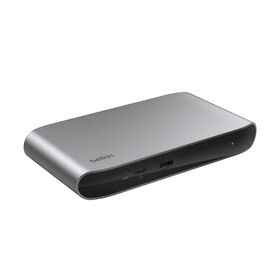
A docking station connects your laptop to many devices through a single USB-C or Thunderbolt port. It adds external monitors, SD cards, USB-A devices, wired Ethernet, headphones, and more, turning a laptop into a full desktop, and the same connection can charge the laptop at the same time. Belkin's flagship Connect Thunderbolt 5 Dock shows the top of the range, with 14 ports and triple-display support.
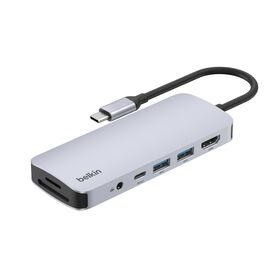
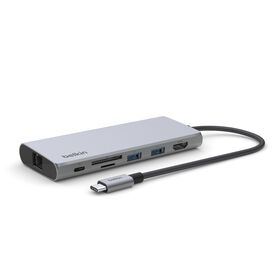
It depends on your setup. If you run one or more external monitors and several accessories, a docking station replaces a tangle of separate cables with one connection that also powers the laptop. A multiport option like the USB-C 11-in-1 Multiport Dock adds displays, Ethernet, card readers, and USB in a single compact unit.
Generally yes. Most laptops with a USB-C port can use a docking station, though it is always worth checking your laptop's specs against the dock's, especially for display count and charging wattage. Browse options built for laptops on our laptop docking stations page.
Yes. Most Belkin docks pass power through to the laptop over the same cable that carries video and data, so check the product's Power Delivery rating to be sure it meets your laptop's needs. For example, the Universal USB-C 8-in-1 Dual Display Core Hub delivers up to 100W of pass-through charging.
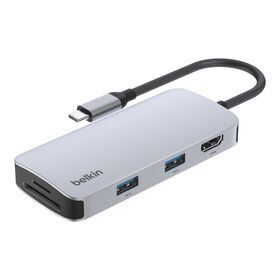
A docking station is a desk device with its own wall power that charges the laptop and adds many ports and multiple displays. A hub is smaller and more portable, adds ports, and may or may not pass power through to the laptop. Compare the compact end of the range on our USB and USB-C hubs page.
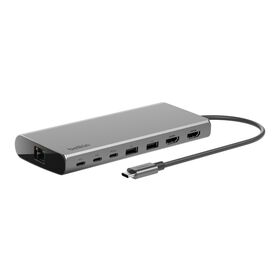
A docking station lets you connect a full desk of peripherals through one cable, so you can dock and undock in seconds and take the laptop with you. It also charges the laptop over that same connection. High-port-count models like the 14-Port USB-C Docking Station support triple displays and up to 14 connections.
A Thunderbolt hub is the fastest way to connect a desk of accessories over one reversible cable, adding ports for storage, displays, and Ethernet that a laptop may lack. Thunderbolt 4 delivers up to 40Gbps and Thunderbolt 5 up to 80Gbps, so displays and external drives run at full speed. See the range on our Thunderbolt docks page.
Yes. USB-C hubs work on most laptops with a USB-C port across Mac, Windows, and Chromebook; it is still worth checking the hub's compatibility notes for display and charging support. A home-office option like the USB-C 6-in-1 Multiport Hub adds Ethernet, 4K HDMI, and charging.
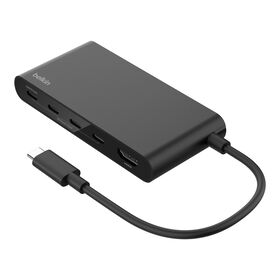
Most people use one USB-C hub per laptop, though you can connect more if the laptop has several USB-C ports. For travel, a pocket-sized option like the USB-C 4-in-1 Multiport Adapter is easy to add to any port.
Generally, no. A quality hub passes data through at the full speed your laptop and devices support, so a 10Gbps drive still runs at 10Gbps. A well-specified hub such as the USB-C 7-in-1 Multiport Hub keeps 4K video, data, and charging running together without a bottleneck.