Premium accessories for iPhone 18. Shop now.


Learn About Our Technology
At home and at the workplace, technology is changing faster than ever. Browse these resources to learn how our products work and how they make your life a little easier.
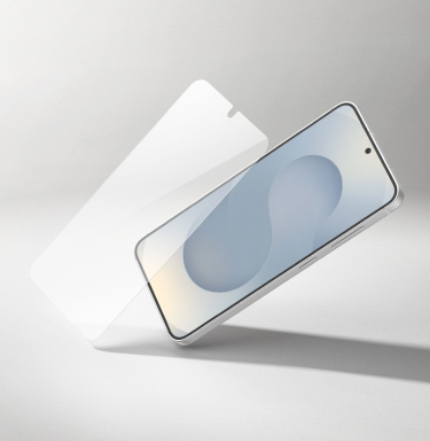
Discover how Titan SmartShield combines Nano-Titan Technology with recycled glass to deliver ultra-thin strength, clarity, and responsive touch.
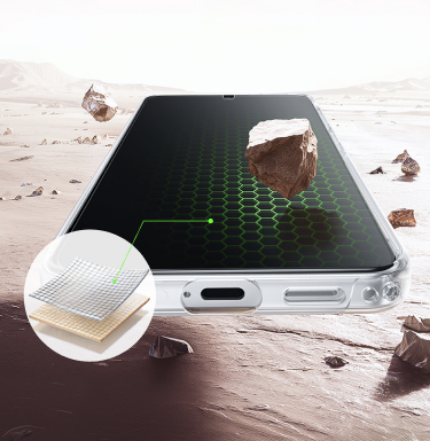
Explore how Nano-Titan Technology reinforces glass and recycled PET at a molecular level to enhance durability, scratch resistance, and everyday protection.
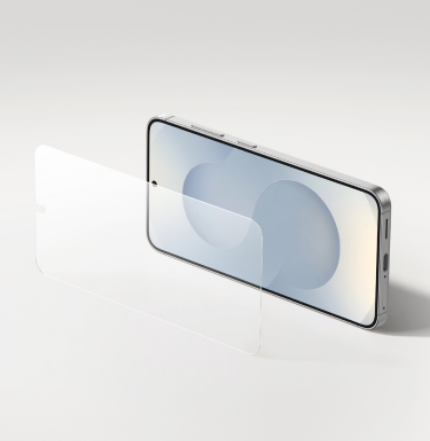
Learn how Titan EcoGuard uses recycled materials and Nano-Titan Technology to provide durable, lightweight protection with reduced environmental impact.
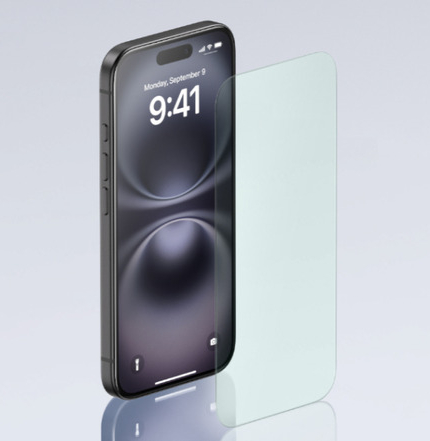
Find out how InvisiGlass combines advanced screen defense with eco-conscious materials, what makes it different from traditional protectors, and why it’s a smarter choice for the planet.
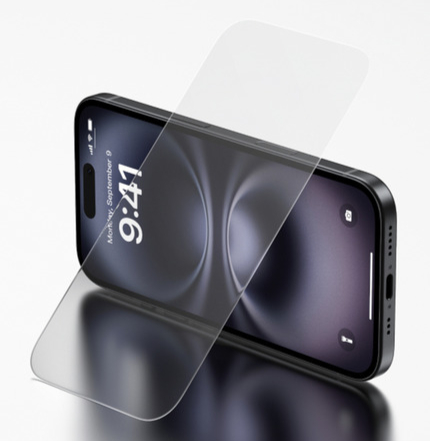
Learn how TemperedGlass keeps your phone safe from scratches and drops, why clarity matters for daily use, and which devices it’s best suited for.
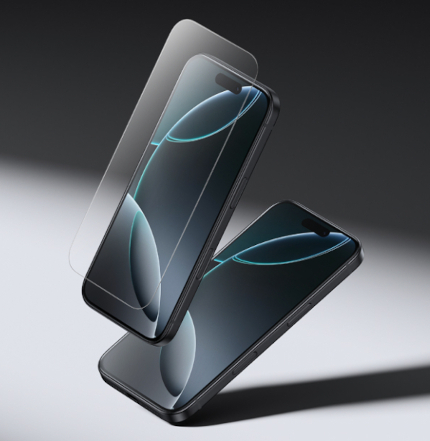
Understand what makes UltraGlass 2 Belkin’s most durable screen protection, how impact resistance is tested, and why it’s ideal if you want maximum defense without sacrificing responsiveness.
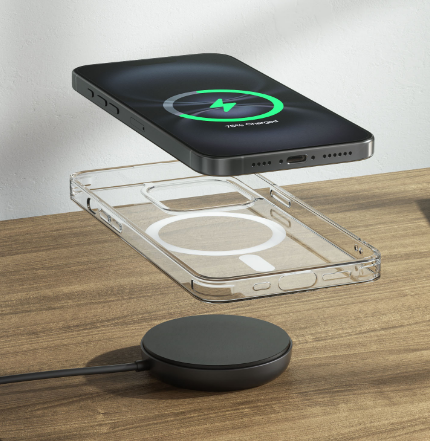
Curious about Apple’s new MagSafe technology and if it’s right for you? We’ve broken down the basics and answered your FAQ’s.
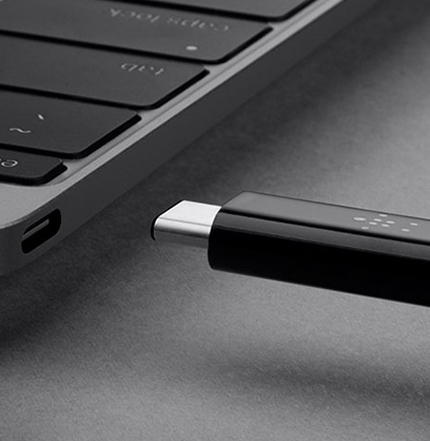
What is USB-C?
What exactly is USB Type-C? Does my phone support USB-C charging? Is it the same as Thunderbolt? Are all USB-C cables the same? Can you use USB-C with anything? Get your questions answered here.
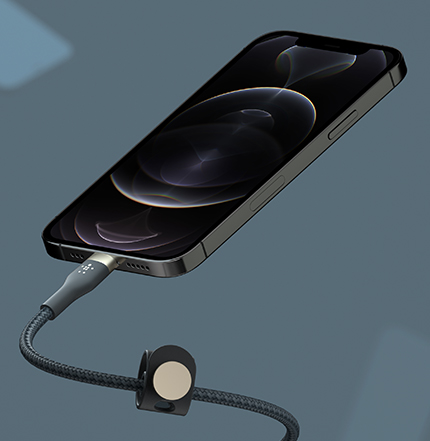
How to Make Your Phone Charge Faster?
From smartphones to laptops and the chargers that power them, manufacturers are talking about “Fast Charging”, but what does it really mean? Find out what is right for your smartphone and start charging faster.
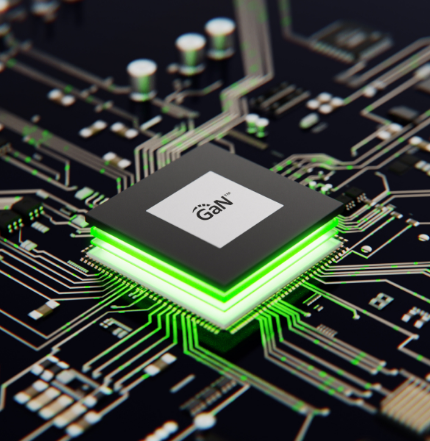
We took a new look at chargers and made them safer and smaller than ever with all the power you’ll need. How did we do it? With GaN. Learn what it is and why you’ll love it
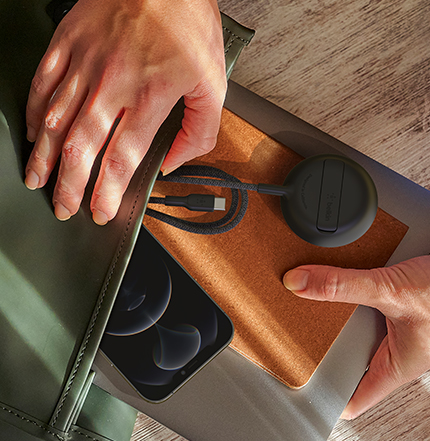
Portable Chargers 101
You fear the dreaded low battery. You want the option to power up on-the-go. But with so many options available, how do you choose? Follow these simple steps to find your perfect portable battery pack.
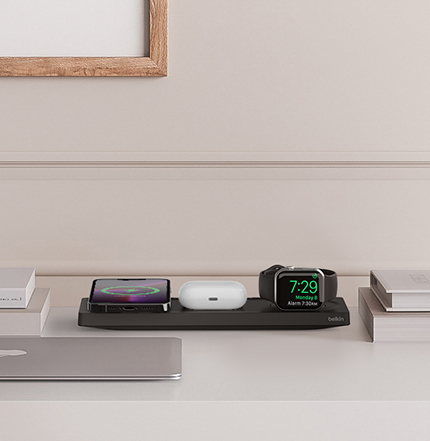
What is USB-C Power Delivery?
USB Power Delivery means faster charging and more power for all kinds of compatible devices. Fast Charge for iPhone promises significantly faster charging for newer Apple iPhones and iPads. For Android, Power Delivery is a high-speed shortcut for compatible USB-C devices, like Google Pixel 2 and 2 XL.
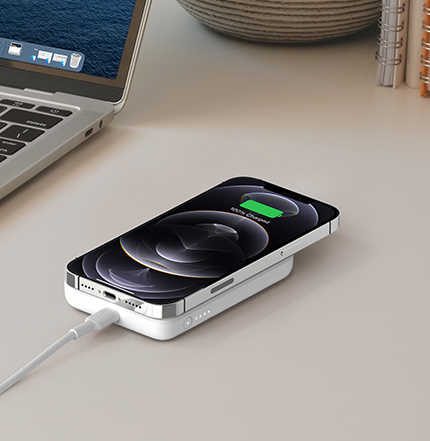
Qualcomm Quick Charge™: Get the Facts
Qualcomm® Quick Charge technology powers your devices faster than conventional charging, allowing you to spend less time connected to outlets. Learn how it works and how to keep your devices safe when fast charging.
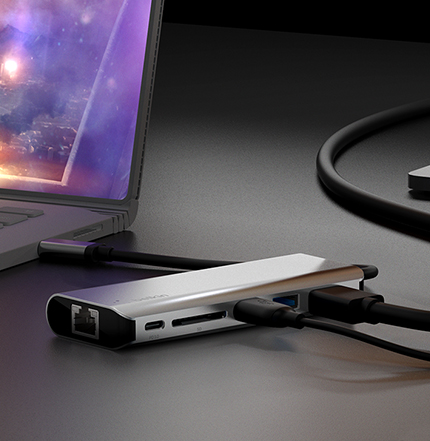
How to Choose a USB-C Hub, Docking Station, or Adapter
A USB-C hub, docking station or adapter is the solution to the problem of how to connect multiple essential or “nice-to-have" devices to your laptop through one cable when you don’t have enough or the right types of ports.

How to Choose a Screen Protector
A screen protector is a transparent layer of strong material that you can attach to your phone to protect its screen. If you've ever used a device without a screen protector, you know the screen is vulnerable to cracks, scratches - and in some cases, total destruction. But with a screen protector, if your phone falls off your desk, gets shuffled around in a pocket or purse, or takes an impact, the screen protector, not the screen, breaks.
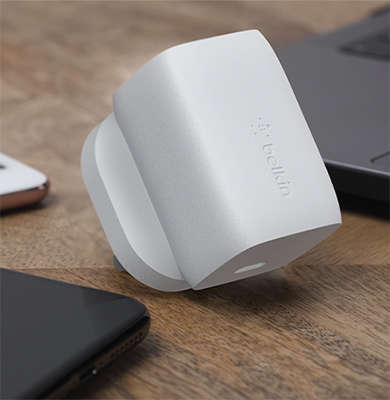
What is a USB-C Charger & How to Choose the Right One?
Smartphones, tablets, laptops and accessories let you work, play, and stay in touch, anytime, anywhere – until your battery runs down. You want to make sure you can charge your devices whenever you need to -- and charge them fast.
6 of 16

Welcome. Would you like to be redirected to the Belkin US website?
United States