Audio
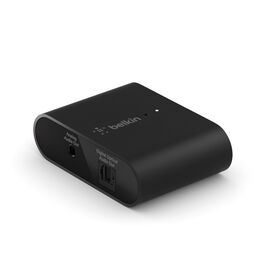
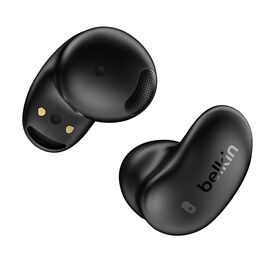
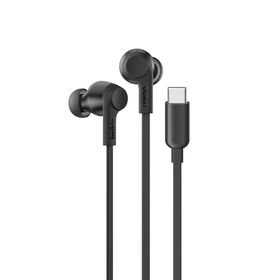
Great sounding earbuds, headphones, True Wireless earbuds, smart speakers, hi-fi speakers with charging, and audio adapters. Make the most of your workouts, home and commuting.
- Featured
- Newest



Audio FAQ
For in or over-ear headsets, users should press and hold the power button on the headset for 3 seconds to turn the unit on and put it in pairing mode (user to "pair" the device via the "Settings" app on the device).
For true wireless earbuds, the user should open the charging case lid and then place earbuds into the ear to bring them into pairing mode (user to "pair" the device via the "Settings" app on the device).
Belkin wireless headphones transmit audio using Bluetooth technology.
Yes.
For in or over-ear headsets, users should press and hold the power button on the headset for 3 seconds to turn the unit on and put it in pairing mode (user to "pair" the device via the "Settings" app on the device).
Yes, Belkin earphones all support microphone functionality.
For true wireless earbuds, the user should open the charging case lid and then place earbuds into the ear to bring them into pairing mode (user to "pair" the device via the "Settings" app on the device).
Belkin wireless earbuds use Bluetooth technology.
In order to use earbuds, a user must pair to a transmitting device such as a smartphone, tablet, or laptop.
No, Belkin earbuds use Bluetooth technology.
Yes.